What makes a TV good for gaming?
By Philips
13/11/2025
6-8 min. read

Whether you’re exploring in a fantasy world, racing through city streets, or competing in a fast-paced shooter, the right TV can turn good gameplay into wow gameplay. But what exactly makes an ordinary TV into a gaming powerhouse? Let's break it down.
At a glance
- What is a gaming TV?
- The must‑have gaming features (made simple)
- Level‑up your audio: add a soundbar
- Refresh rate explained in one minute
- What’s the sweet‑spot?
- OLED, QD MiniLED, or QLED: which panel suits your style?
- TL;DR
- Final thought
What is a gaming TV?
A gaming TV is simply a television tuned for three things:
1. Smooth movement – so the picture never jerks or tears.
2. Fast response – so what you do on the controller shows up instantly.
3. Immersive sights and sounds – so everything looks and feels real.
Think of it like a sports car for your living‑room: quick off the line, built for speed, but still comfortable for long journeys. Many advanced models now use AI processors - Philips’ P5 AI picture engine is one example - to analyse every frame, keep colours balanced, blacks deep and motion clear. For gaming, that means fewer distracting artifacts and a smoother-looking world - handy when you’re swinging a sword or cornering at 200 km/h - without adding extra lag.
Imagine this: you're playing an intense multiplayer game, and your on-screen movement is delayed by even a fraction of a second. That’s input lag, and it can be the difference between landing the winning shot and seeing the Game Over screen.

The must‑have gaming features (made simple)
Low Input Lag (< 10 ms)
- Shortens the gap between pressing a button and seeing the action.
- Keeps your reflexes in sync with the screen.
High Refresh Rate (120 Hz or 144 Hz)
- Redraws the picture 120–144 times every second.
- Motion looks silky‑smooth; less blur in racing and FPS games.
Variable Refresh Rate (VRR)
- Lets the TV’s refresh rate follow your console/PC’s frame rate.
- Eliminates “screen tearing” and stutter.
Auto Low‑Latency Mode (ALLM)
- Detects a console and switches the TV to its fastest settings.
- No menu-hunting before you play.
HDMI 2.1
- Adds the bandwidth for 4K/120 Hz, VRR, ALLM and more.
- Works natively with PlayStation 5, Xbox Series X and high‑end PCs.
HDR10+ & Dolby Vision Gaming
- Expands brightness, colour and contrast.
- Makes worlds look lifelike - sun‑soaked deserts, neon cities, spooky caves.
Adaptive-Sync Standards (AMD FreeSync, NVIDIA G-Sync)
- Fine-tunes VRR for specific graphics cards.
- Extra-smooth performance from consoles or PCs that support them.
Quick-Access Game Bar / Dashboard
- On‑screen overlay for key stats, shadow boosters, mini‑map zoom and more.
- Tweak settings mid‑match without pausing the action.
Cloud & Multiplayer Readiness
- Easy Bluetooth pad pairing, Wi‑Fi 6E, native cloud‑gaming apps.
- Jump into co‑op or streaming services with zero fuss.
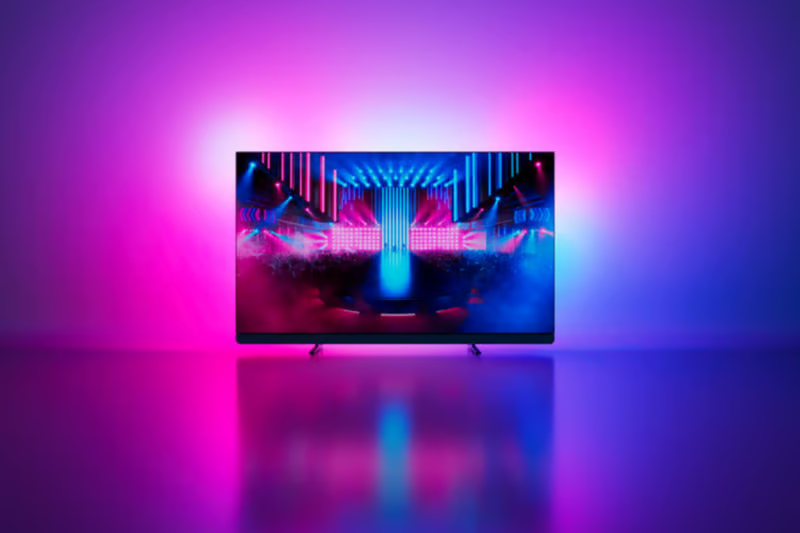
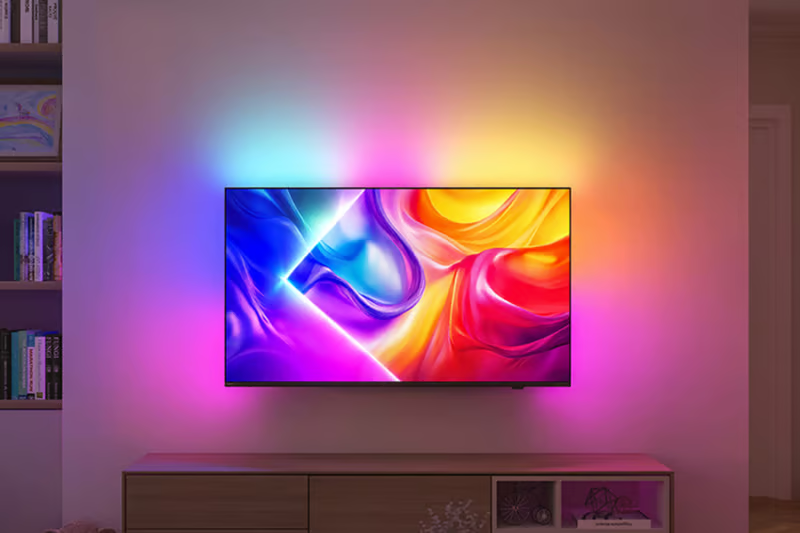
Ambilight (Philips Exclusive)
- Projects coloured light onto the wall, matching the on‑screen action.
- Extends the picture, reduces eye strain and feels epic in dark rooms.
Level‑up your audio: add a soundbar
Graphics pull you in, but it’s the audio that convinces your brain it’s real. Built‑in TV speakers are fine, yet they rarely have the muscle or spatial trickery today’s games mix in. Adding a dedicated soundbar unlocks:
- Bigger, cleaner dynamics – explosions slam, engines growl and foot‑steps stay pinpoint‑sharp.
- Dolby Atmos & DTS:X audio – up‑firing or side‑firing drivers bounce sound off your ceiling and walls, creating a 3D bubble where a helicopter circles overhead or rain sweeps all around you.
Prefer an all‑in‑one solution? Some TVs now integrate a soundbar in the stand or behind the screen. Philips’ OLED+ series, for instance, come with a Bowers & Wilkins speaker system onboard, delivering Dolby Atmos immersion without adding an external bar.
Refresh rate explained in one minute
A refresh rate is like the pages of a flip‑book: the more pages you flip every second, the smoother the cartoon. Standard TVs refresh 60 times per second (60 Hz). Gaming TVs double that to 120 Hz - or even 144 Hz when connected to a powerful PC - so fast‑moving objects stay sharp and clear.
What’s the sweet‑spot?
- Console first? 120 Hz is perfect; both PlayStation 5 and Xbox Series X top out there today.
- PC or future‑proofing? A panel that can stretch to 144 Hz (with VRR) means you’re ready for next‑gen hardware without buying a new screen.
OLED, QD MiniLED, or QLED: which panel suits your style?
QLED
- Picture quality: Bold colours, good brightness
- Motion & response: Very smooth, tiny blur
- Input lag: ~10 ms
- Viewing angle: Good, but dims off-centre
QD MiniLED
- Picture quality: Brighter highlights, deeper blacks
- Motion & response: Near-instant, essentially no blur
- Input lag: ~10 ms
- Viewing angle: Wide
OLED
- Picture quality: Perfect blacks, infinite contrast
- Motion & response: Instant pixel response - best for twitch gaming
- Input lag: ~8 ms
- Viewing angle: Widest - picture stays perfect from the sofa corner

TL;DR
- Just getting started? Choose a QLED, like Philips The One Ambilight TV - plenty of pop, all the key gaming specs, friendlier price.
- Want flagship performance minus flagship cost? The QD MiniLED class - especially the Philips MLED950 Ambilight TV - delivers searing highlights and FreeSync Premium Pro for smooth, HDR‑savvy play.
- Chasing best‑in‑class? Nothing beats OLED for true blacks, lightning response and top picture‑processing. The Philips OLED8 & OLED9 Ambilight models add Dolby Vision gaming (few TVs do), plus both G‑Sync and FreeSync Premium. That combo means buttery‑smooth frames no matter which console, PC or graphics card you plug in.
Final thought
Gaming is more than a hobby - it’s an adventure you shape with every button press. Pick a TV that can keep up with you - low lag, high refresh, the right panel tech - and your skills will shine brighter than ever.
So the next time you’re picking a screen, think beyond size. Think performance, compatibility, and immersion. Think about what kind of gamer you are - and choose the TV that lets you live it to the full.
Happy gaming!
This article was created with the assistance of AI, along with detailed input, careful editing, and fact-checking by our team to ensure accuracy and quality.
Recommended products
- 65MLED950/12
- 164 cm (65") Ambilight TV
- 4K QD MiniLED. VRR 144 Hz
- P5 AI Perfect Picture Engine
- Dolby Vision & Atmos
- 65OLED760/12
- 164 cm (65") Ambilight TV
- 4K OLED. 120 Hz
- P5 AI perfect picture engine
- Dolby Vision and Dolby Atmos
- 65PUS9000/12
- 164 cm(65")AMBILIGHT tv
- 4K QLED. 120 Hz
- P5 Picture Engine
- Dolby Vision and Dolby Atmos


You might like

How to place your TV right in any room
Reading time: 12-14 min.

What is Titan OS?
Reading time: 4-6 min.

What is Ambilight TV? Why should you have one?
Reading time: 6-8 min.

What is Quantum Dot?
Reading time: 4-6 min.

What is a Smart TV? Key features explained
Reading time: 4-6 min.

What is OLED TV? What's so special about it?
Reading time: 3-5 min.




Sign up to the Philips newsletter for exclusive offers
- £10 off your first purchase on the Philips online store.*
- Exclusive member offers and early access to sales.
- News on product launches and tips for healthy lifestyles.
- £10 off your first purchase on the Philips online store.*
- Exclusive member offers and early access to sales.
- News on product launches and tips for healthy lifestyles.