Healthy lifestyles start here. Sign up and get exclusive offers
2 year warranty
Welcome gift £10*
30-day return
TV
All series
Cineos digital widescreen flat TV
Discontinued
Support
32PF9967D/10
Go to shop
Log in or create an account
You instantly have access to manuals, tailored support and more. Plus it’s quick and easy
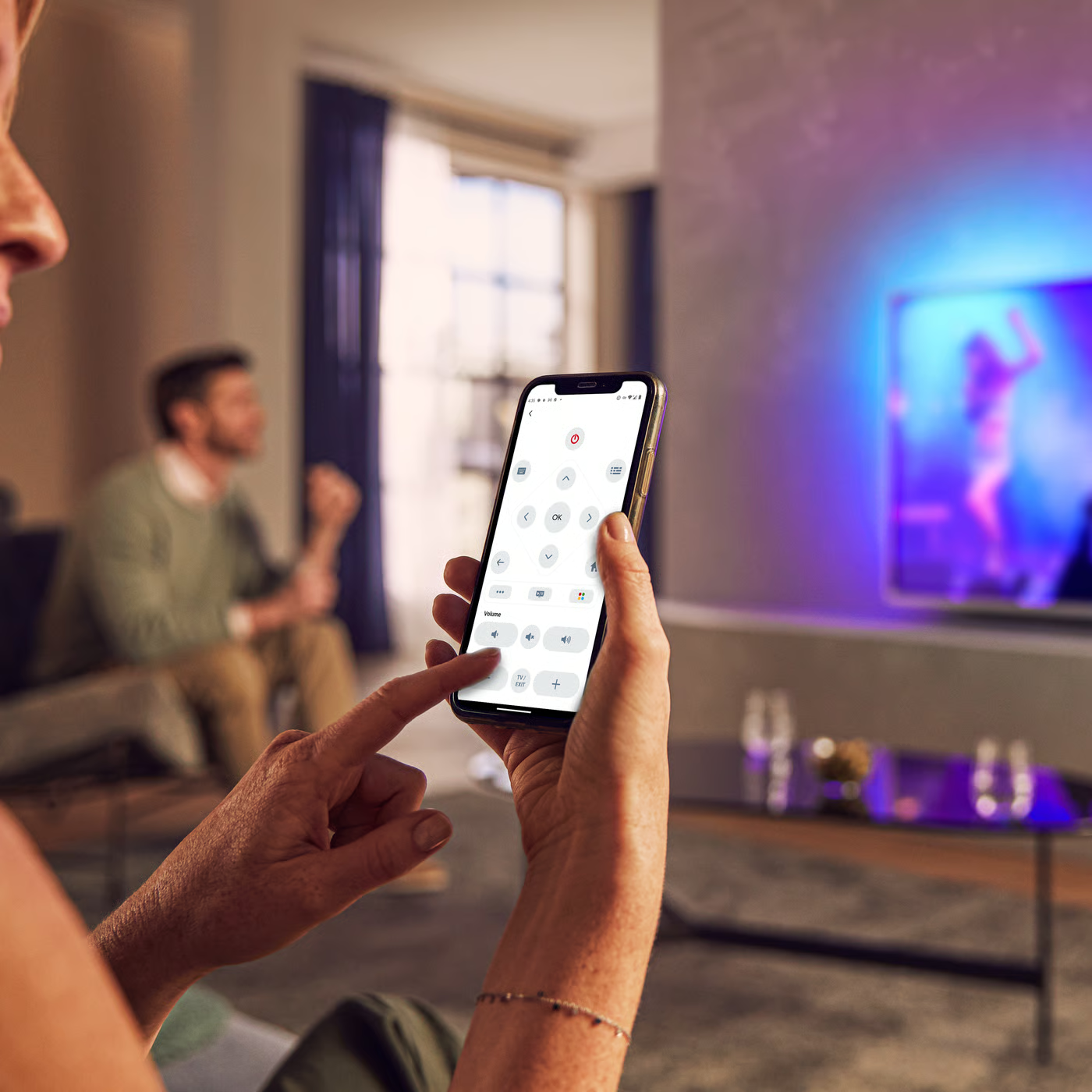
Control your TV with your smart device
The Philips Smart TV app turns your smartphone or tablet into a smart remote, letting you switch channels, adjust volume, browse apps, and fine-tune your Ambilight settings with ease.
Localised commercial leaflet - English (US)
User manual
All (8)
Why there is no video or just snowflakes visible when Philips TV is connected to the accessory device (DVD, STB, PC) using HDMI to HDMI connection?
Is it possible to use the split screen function to have video via HDMI and Teletext via antenna in Philips TV?
Do I have connect the antenna to the Philips TV if I use HDMI connected accessory devices?
How to connect PC through HDMI to Philips TV?
How to store Personal settings including sound and picture in Philips TV?
Picture is not displayed in 16:9 format while viewing the program through HDMI in Philips TV
Short flickering lines appear on a blank screen before the picture and sound appears, each time when selecting in the AV menu in Philips TV
No audio from Philips TV when connecting to accessory device ( DVD, STB, PC) using HDMI to HDMI connection
HDCP Error message appears when connected to the accessory device using HDMI connection
Clock and/or NEXTVIEW/TEXTGUIDE indicates wrong time in Philips TV
Check the terms of your warranty and start a product exchange or repair
Warranty
Our product warranty policies
Contacting Philips
We're happy to help you