Healthy lifestyles start here. Sign up and get exclusive offers
2 year warranty
Welcome gift £10*
30-day return
TV
All series
OLED 9 series Razor Slim 4K UHD OLED Android TV
Discontinued
Support
55POS901F/12
Go to shop
Log in or create an account
You instantly have access to manuals, tailored support and more. Plus it’s quick and easy
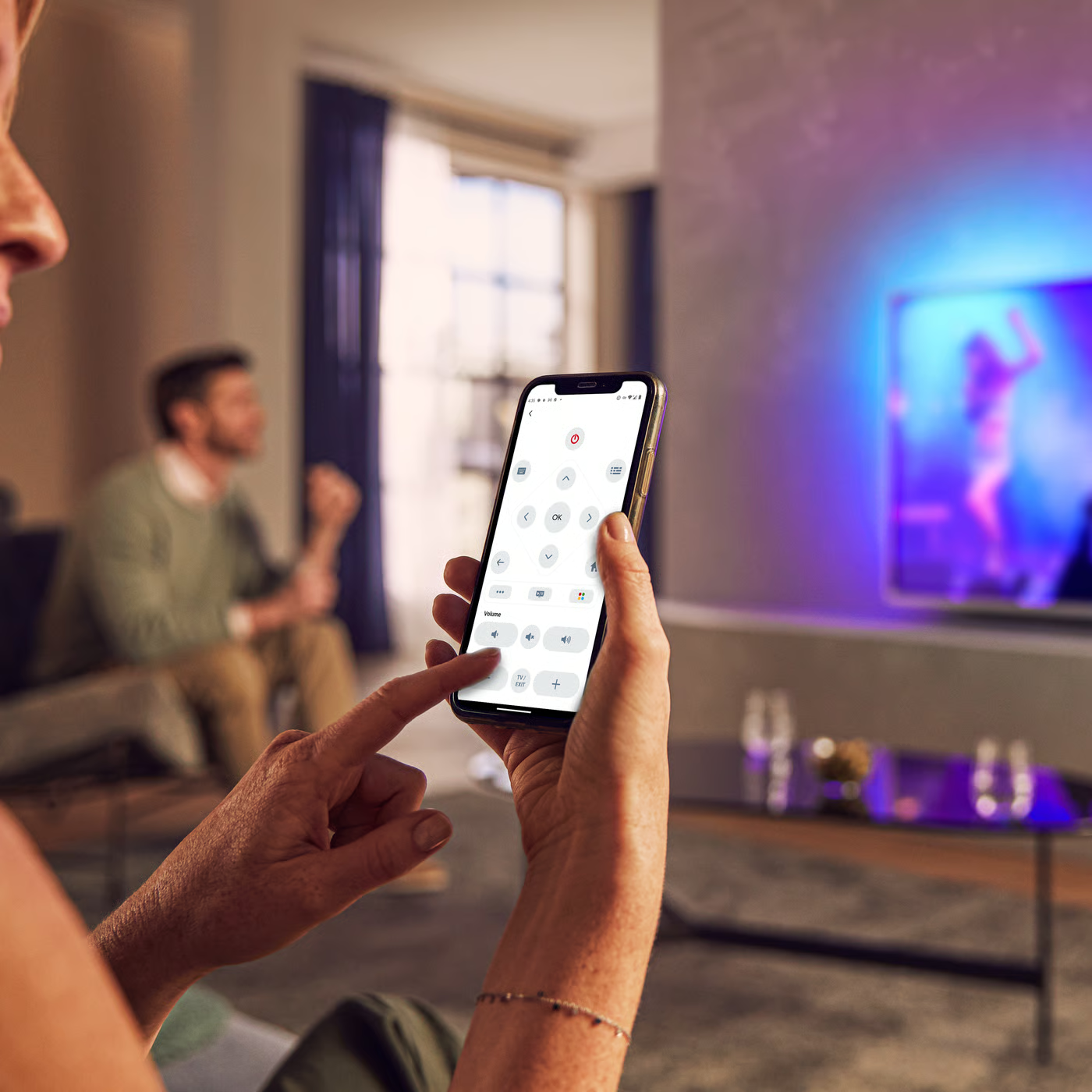
Control your TV with your smart device
The Philips Smart TV app turns your smartphone or tablet into a smart remote, letting you switch channels, adjust volume, browse apps, and fine-tune your Ambilight settings with ease.
Firmwarehistory
End Users Licence Agreement
Quick start guide
Product Information Sheet
All (25)
How to connect a mouse and keyboard to the TV?
What to do if SmartTV is not accessible?
How to reinstall channels in a Philips TV [DVB-T/C]
How to reorder the TV channels?
How to stream apps from a mobile device to the Android TV using Google cast?
Check the terms of your warranty and start a product exchange or repair
Warranty
Our product warranty policies
Contacting Philips
We're happy to help you