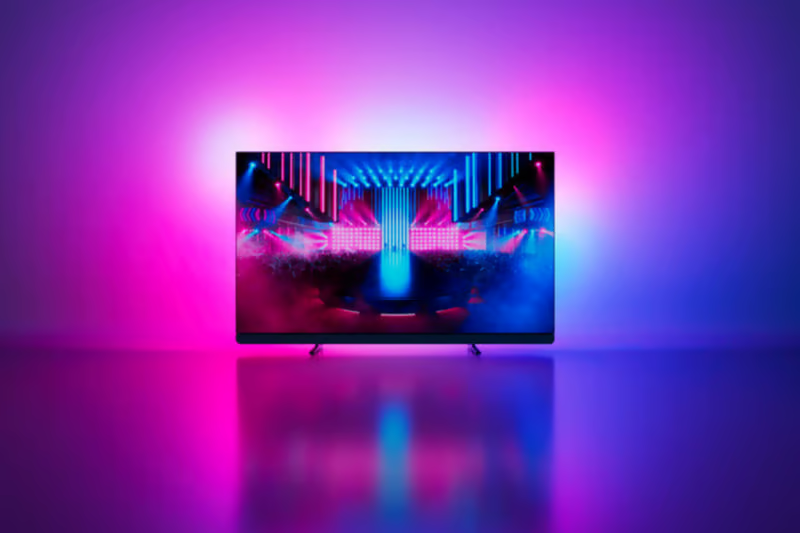
Automatic game detection: switch games, not settings
By Philips
05/11/2026
2-5 min. read

Switch from the rugged landscapes of medieval England in Assassin’s Creed Valhalla to a fast-paced racing game, and you may find yourself rethinking your TV settings. Perhaps you initially used the shadow enhancer to reveal more detail in darker areas, only to realise that the racing game benefits from a different setup.
It is hardly a crisis, but annoying. Now you are back in the menus, adjusting the same options and trying to remember what worked before.
Automatic game detection on Philips Ambilight TVs frees you of that routine. When you launch a supported game, the TV recognises it and creates a dedicated profile for your settings. Changes made through the game bar are then saved to that profile. Return to the game another day and the TV selects the existing profile. Your preferences are already there.
You choose your settings. Your TV remembers.
At a glance
- Why one game profile cannot suit every game
- What automatic game detection actually does
- Which settings can be saved for each game?
- What automatic game profiles do not do
- Which Philips Ambilight TVs support the feature?
- Summary
Why one game profile cannot suit every game
When you press a button, you want the game to respond straight away. Game mode helps by reducing TV processing, but different games can still benefit from different settings.
A story-driven adventure, a competitive shooter and a racing game often place different demands on picture, sound and other game bar features. Settings that work well for one game may not be the ones you prefer for another.
Individual game profiles help keep those preferences separate. Instead of changing settings each time you switch games, the TV remembers the setup you previously used for supported titles.
What automatic game detection actually does
The idea is straightforward. When a supported game starts on a connected PC, Xbox, PlayStation or Nintendo system, the TV identifies it and creates a dedicated profile for its settings. You do not have to set up a separate profile before you start making adjustments.
Any changes you make through the game bar are saved under that profile.
The next time you start the same game, the TV recognises it and restores the profile you created earlier.
Think of it as a set of bookmarks for your gaming preferences. Each bookmark belongs to a specific title.
This is an important distinction because game detection does not choose a supposedly perfect picture for you. It does not assume there is one correct setting for everyone playing the same game.
Instead, it handles two practical jobs:
- It identifies the supported game.
- It recalls the preferences you previously saved for it.
The personalisation still comes from you.
Which settings can be saved for each game?
A game profile can remember compatible adjustments across four areas:
- Picture: compatible controls for brightness, colour, contrast, sharpness, HDR presentation and motion.
- Sound: preferences including bass, treble and other available audio adjustments.
- Game helper features: individual configurations for tools such as colour filters, the shadow enhancer and crosshairs.
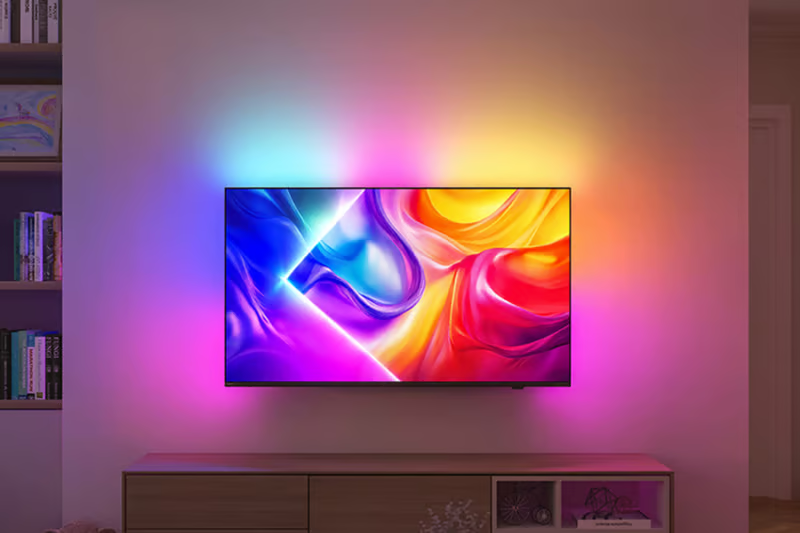
- Ambilight: choices including style, saturation and dynamics.
Different games often call for different setups. With automatic game profiles, you do not have to remember what you changed last time.

What automatic game profiles do not do
Like any feature, automatic game detection has a few limitations.
Automatic game detection is available for a select number of popular games. It should not be assumed that the TV will create an individual profile for every title in a large library.
The feature also does not guarantee perfect settings from the first moment you start playing the game. It creates the profile and remembers compatible customisations, but you still choose the setup that works best for you.
Automatic profiles become valuable when you:
- Move regularly between supported games
- Prefer different settings for different titles
- Fine-tune options through the game bar
The feature is about convenience, not complexity. If you like personalising your setup, it remembers the work. If you do not, it stays out of the way.
Which Philips Ambilight TVs support the feature?
Automatic game detection is available on 2026 OLED 8 and 9 Philips Ambilight TV series, as well as the Philips MiniLED 981 Ambilight TV.
Summary
Automatic Game Detection is a Philips Ambilight TV feature that recognises supported games and automatically restores previously saved game-specific settings, including picture, sound, Ambilight and Game Helper preferences.
In practice, that means the TV remembers how you like supported games to look and play, creating individual profiles and restoring your saved preferences whenever you return to a game.
Game detection for selected Assassin’s Creed titles will be available as of December 2026.
As of November 5th, rediscover the adventure with free new updates including New Game+ for Assassin’s Creed Valhalla and Black Flag Resynced. In Valhalla, explore new ways to develop your builds with additional resources and more than 300 runes to engrave, or put your skills to the test with Black Flag Resynced’s new Nightmare difficulty mode and exclusive rewards. With even more ways to play, it’s the perfect time to jump back into the action and enjoy every moment on your Ambilight TV.
Recommended products
- 65OLED951/12
- Ambilight TV, AmbiScape
- 4K OLED. Up to 165Hz
- P5 AI dual Intelligent Engine
- IntelliSound
- 85MLED981/12
- Ambilight TV, AmbiScape
- 4K RGB MiniLED. Up to 330Hz DLG
- P5 AI Intelligent Engine
- IntelliSound
- 65OLED811/12
- Ambilight TV, AmbiScape
- 4K OLED. Up to 165Hz
- P5 AI Intelligent Engine
- IntelliSound


You might like

What is the best screen size for you?
Reading time: 8-14 min.

How to place your TV right in any room
Reading time: 12-14 min.

What makes a TV good for gaming?
Reading time: 6-8 min.

What is Titan OS?
Reading time: 4-6 min.

What is Ambilight TV? Why should you have one?
Reading time: 6-8 min.

What is Quantum Dot?
Reading time: 4-6 min.