Healthy lifestyles start here. Sign up and get exclusive offers
2 year warranty
Welcome gift -10%*
30-day return
TV
All series
LCD TV
Discontinued
Support
26PFL3404D/12
Go to shop
Log in or create an account
You instantly have access to manuals, tailored support and more. Plus it’s quick and easy
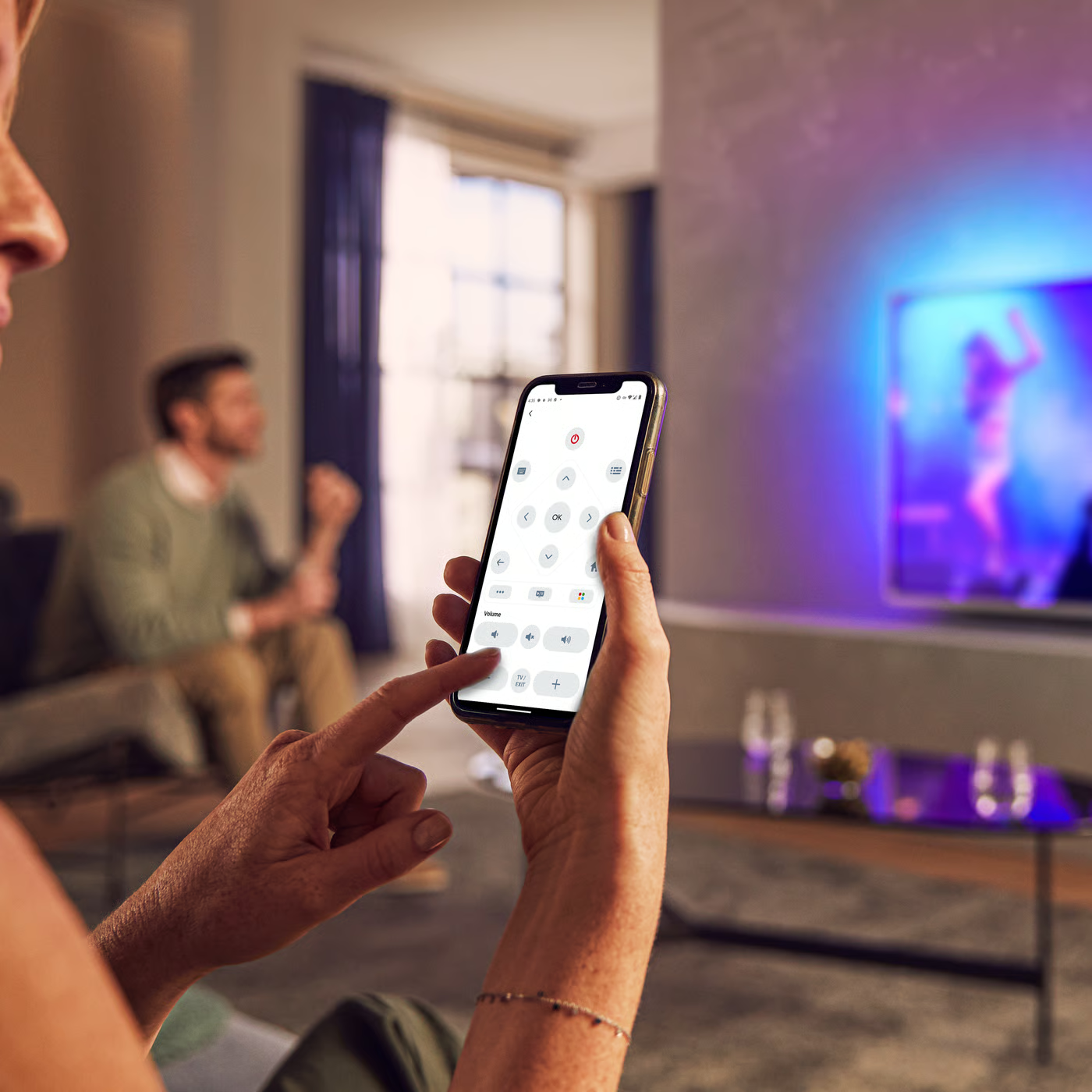
Control your TV with your smart device
The Philips Smart TV app turns your smartphone or tablet into a smart remote, letting you switch channels, adjust volume, browse apps, and fine-tune your Ambilight settings with ease.
End Users Licence Agreement
Quick start guide
Product Information Sheet
All (11)
My Philips TV is VESA wall mount compatible. What does that mean?
Do I need a special Philips antenna to receive digital terrestrial TV broadcastings? And what kind of antenna should I use?
Where can I download the complete user manual of Philips TV?
Why am I unable to view all the files in Philips TV screen that are stored on my USB drive?
Which CAM/CI-Modules work with my Philips TV?
What to do if Philips TV is not turning on, it is dead as there no power?
My Philips TV has no sound/audio, but has picture
When I watch analogue channels, the picture sometimes freezes while the Philips TV produces a strange sound and the TV no longer responds to any controls until I unplug the mains cable
My Philips TV fails to respond to the remote control
My Philips TV is not receiving any power from the wall socket
Check the terms of your warranty and start a product exchange or repair
Warranty
Contacting Philips
We're happy to help you