Healthy lifestyles start here. Sign up and get exclusive offers
2 year warranty
Welcome gift £10*
30-day return
TV
All series
widescreen flat TV
Discontinued
Support
32PFL3512D/12
Go to shop
Log in or create an account
You instantly have access to manuals, tailored support and more. Plus it’s quick and easy
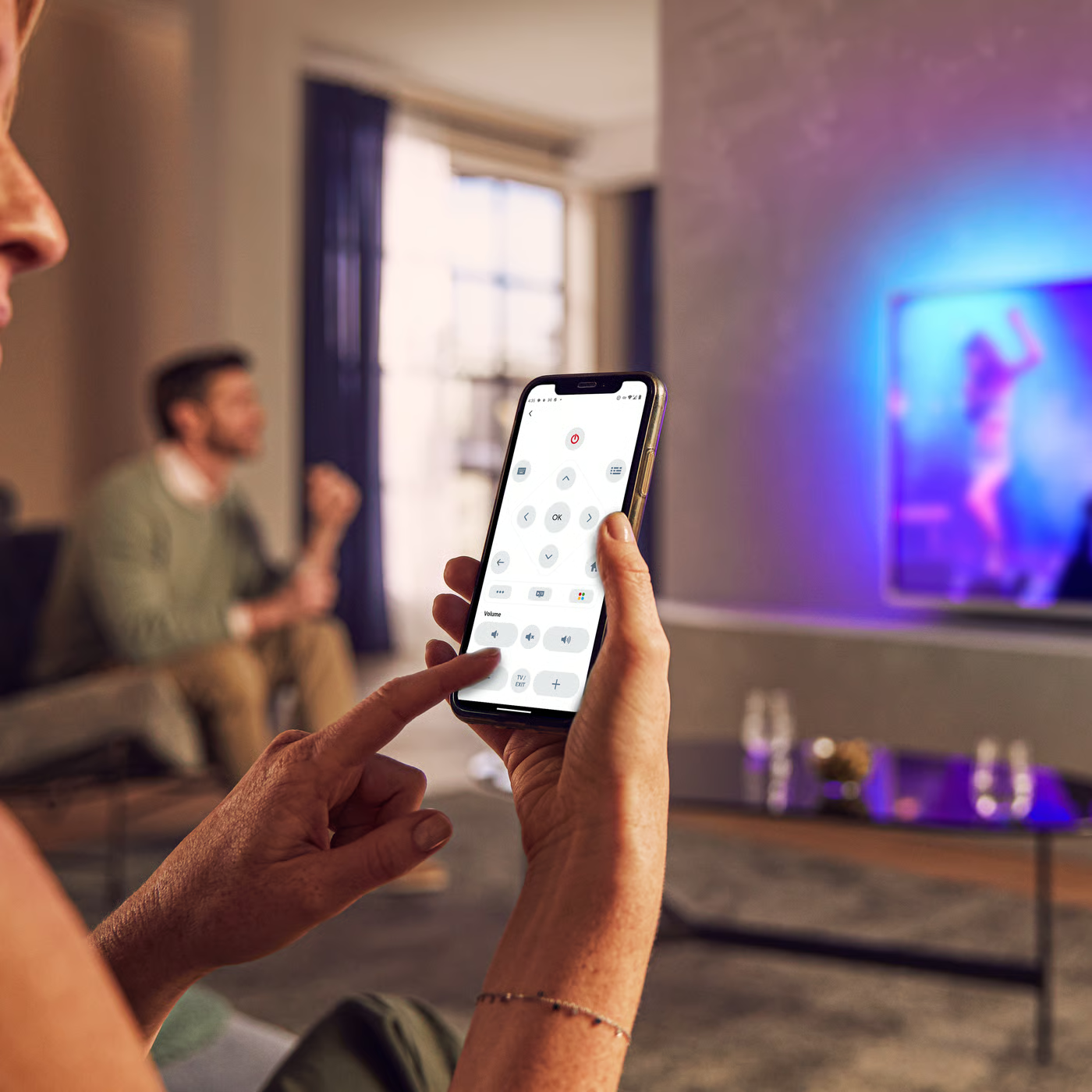
Control your TV with your smart device
The Philips Smart TV app turns your smartphone or tablet into a smart remote, letting you switch channels, adjust volume, browse apps, and fine-tune your Ambilight settings with ease.
Quick start guide
Product Information Sheet
All (6)
What to do do when blue screen observed when connecting external device to Philips TV via HDMI?
Can I upgrade Philips TV software using the PCMCIA card?
How to connect a game console to Philips TV?
How to select preferred subtitle/teletext language in Philips TV?
How to change the system PIN code of Philips TV?
How to store both digital and analog channels in Philips TV memory using the first time installation menu?
How to remove the letter F in the upper right hand corner of Philips TV screen?
My Philips TV does not respond to the remote control and the letters CF are displayed in the upper right hand corner of the screen
Check the terms of your warranty and start a product exchange or repair
Warranty
Contacting Philips
We're happy to help you