Healthy lifestyles start here. Sign up and get exclusive offers
2 year warranty
Welcome gift £10*
30-day return
TV
All series
5000 series Smart LED TV
Discontinued
Support
32PFL5007T/12
Go to shop
Log in or create an account
You instantly have access to manuals, tailored support and more. Plus it’s quick and easy
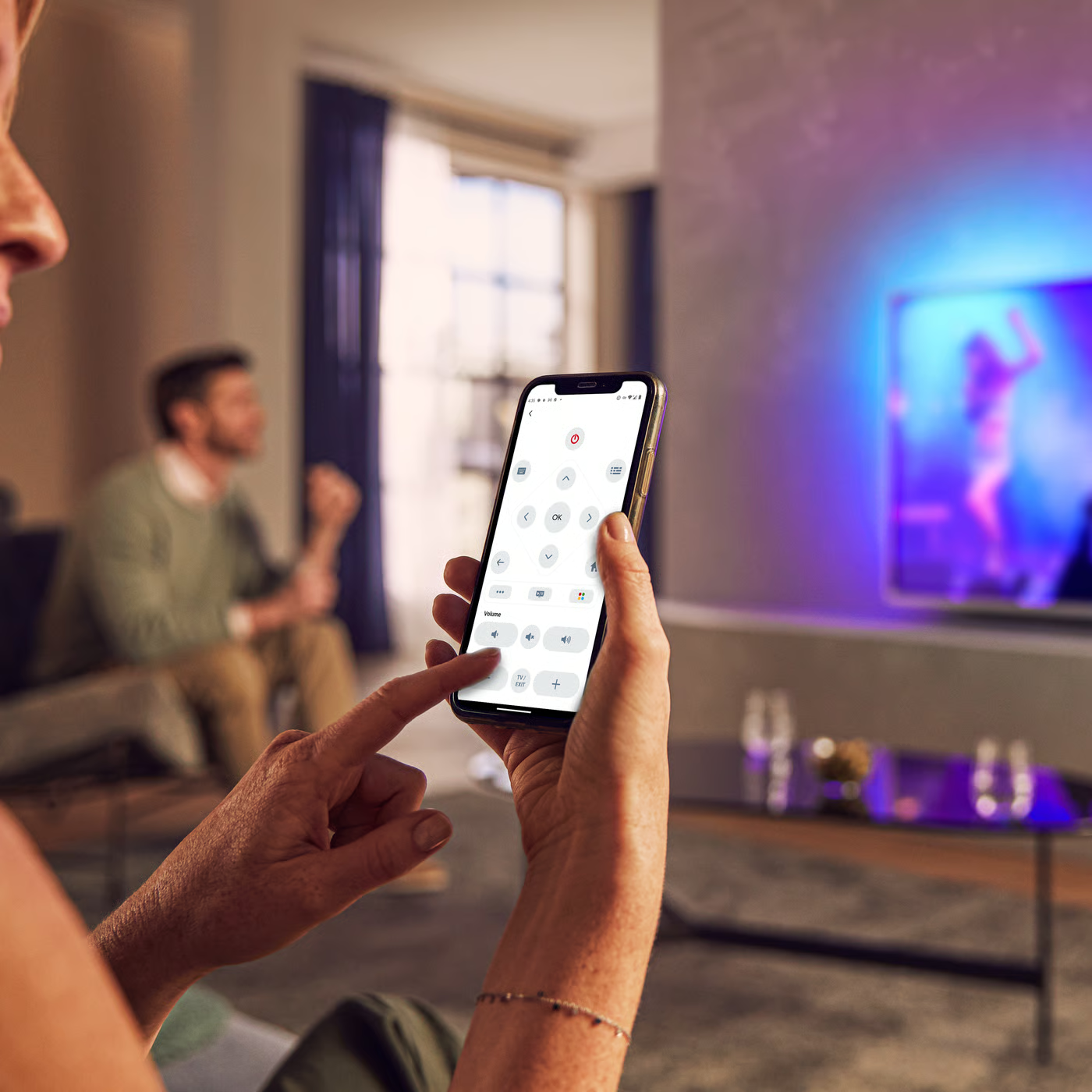
Control your TV with your smart device
The Philips Smart TV app turns your smartphone or tablet into a smart remote, letting you switch channels, adjust volume, browse apps, and fine-tune your Ambilight settings with ease.
Manual instructions
Firmwarehistory
Quick start guide
Product Information Sheet
All (9)
Where can I get the Media Manager Software and its license keys for Philips TV?
Which Philips TVs work with the Media Manager?
Why does the message [Switching to amplifier] appear onscreen when I switch on my Philips TV?
What is the function of the [Channel list copy] feature in my Philips TV menu?
Can I use my own subtitle files in Philips TV (with file name extension such as srt, smi, sub, ssa, txt and so on)?
What to do if my Philips TV does not respond to the remote control?
The video and audio signals are out of sync when I connect my Philips TV to a Home Theater System.
Why am I not able to store the audio language that I choose from the options menu of Philips TV?
Check the terms of your warranty and start a product exchange or repair
Warranty
Contacting Philips
We're happy to help you